Command-Line Interface
Command-line interface is a user interface between the computer operation system and the user. When each command is prompted onto a specific line, information is given back by the system. An example of CLI would be MS-DOS on Windows operating systems.
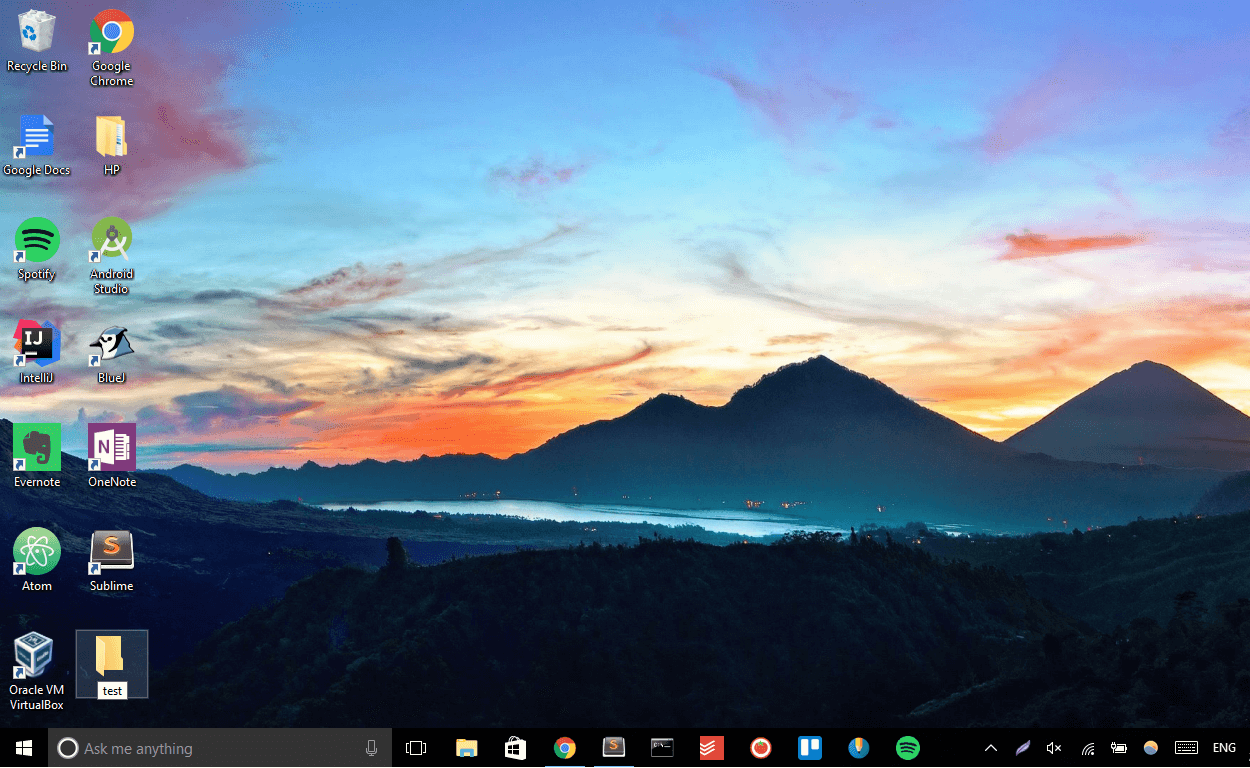
Steps in creating a new file folder on computer desktop using command prompt:
1. Open the command prompt

2. cd desktop

3. md test

Graphical User Interface
Graphical user interface is a user interface that allows user to communicate and connect with the computer operation system using symbols, visual metaphors and pointing devices. An example of GUI would be the GUI used in Apple’s Macintosh computer.
Steps in creating a new file folder on computer desktop using GUI:
1. Go to desktop

2. Right cpck mouse and select New > Folder

3. Rename the folder with a proper name; in this case, test